
After entering in your search criteria, you will now see the following dialogue box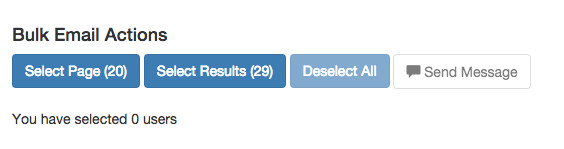
Select Page: Selects all applicants on the page.
Select Results: Selects all applicants that match your search.
You can perform mass selections or one at a time
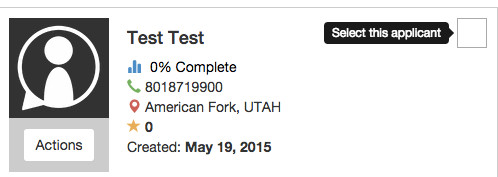
Once you have a selection you can press send message which will open a dialog box containing the fields below

BCC: Blind Carbon Copy
From: Choose what email this message will be from
Subject: Email Subject Line
Template: Choose an existing template or leave it as "New" (The recipient will not see this field) see: Email Templates
Message: Type your email message in the box
When editing your message you may want to consider adding some placeholders that will auto-fill with the correct information when sent.

Press Send and you're done!
0 Comments